
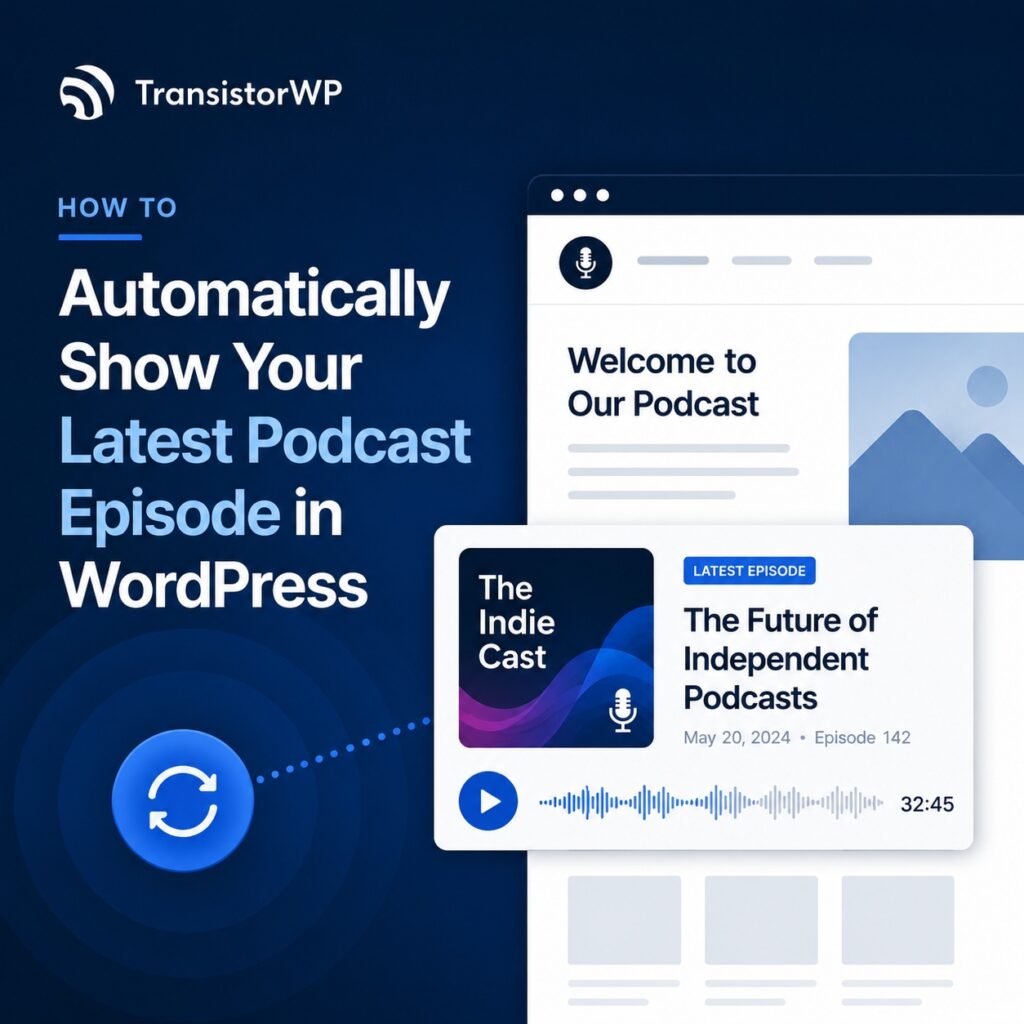
If your podcast is even a little bit active, “updating the website” can turn into an annoying weekly chore:
- Publish episode
- Copy embed code
- Edit home page (or podcast page)
- Paste new embed
- Repeat forever
There’s a better way: set up a latest episode section once, and let it update automatically when you publish new episodes.
This post walks through the main options (from “quick and manual” to “set it and forget it”), with a practical walkthrough for Transistor.fm + WordPress using TransistorWP.
What “automatically show the latest episode” actually means
When people ask for this, they usually mean:
- The player on their home page always plays the newest episode
- They don’t have to touch WordPress when a new episode goes live
- They can still have a “Podcast” page and individual episode/show notes pages
Most podcast hosts (including Transistor) support a “most recent episode” embed that updates on the host side. You embed it once, and the iframe always points at the latest episode. (Transistor calls this the “Most Recent Episode” embed.)
External reference: How do I embed my podcast? (Transistor Help) and Embeddable Podcast Player (Transistor).
Option 1: Paste the “latest episode” iframe embed (fastest)
If you don’t mind a little copy/paste, the simplest approach is:
- In Transistor, grab the Most Recent Episode embed code.
- In WordPress, add a Custom HTML block.
- Paste the iframe.
That iframe continues to show the latest episode as you publish new ones; no further WordPress edits required.
External reference: How do I embed my podcast? (Transistor Help).
One important WordPress.com caveat
If you’re on WordPress.com (not self-hosted WordPress), iframe embeds can be restricted depending on your plan. Transistor’s help docs call out that you may need a Business or Commerce plan to embed iframes.
External reference: How do I embed my podcast in WordPress? (Transistor Help).
Option 2: Use WordPress’s Podcast Player block (RSS-based)
WordPress (especially WordPress.com) also has a Podcast Player block that can display recent episodes from a podcast feed. This can work well if you just want a simple “recent episodes” widget powered by your RSS feed. If you’re not on WordPress.com but use Jetpack on your site, it looks like the block is available through Jetpack as well.
External reference: Podcast Player block (WordPress.com Support).
If you’re already using Transistor, you can make this work via RSS, but it’s not Transistor-specific. It’s also not quite the same workflow as “select my show in WordPress and let the block handle it.”
Option 3 (recommended for Transistor.fm + WordPress): Use TransistorWP’s Latest Episode Embed block
If you host your podcast on Transistor.fm and you’re using WordPress, this is where TransistorWP makes life easier.
Instead of copying embed code around, you:
- Connect WordPress to Transistor.fm once
- Drop in a Latest Episode Embed block (docs: How to Use the Latest Episode Embed Block)
- Select your show
- Publish
From there, Transistor’s “latest episode” embed updates automatically when you publish a new episode, and your WordPress page doesn’t need to be edited each time.
If you’re brand new, start with Getting Started with TransistorWP. If something looks off, check TransistorWP Troubleshooting and FAQ. (And if you need it: TransistorWP pricing.)
Step-by-step: add a “Latest Episode” section to your home page
Here’s a simple layout that works well:
- Home page hero (title + description)
- Latest episode player
- Subscribe/listen buttons
- Recent episodes list (optional)
Here’s how to do the latest-episode part.
1) Install and activate TransistorWP
If you haven’t yet, start with Getting Started with TransistorWP.
You’ll:
- Install the plugin
- Activate your license
- Add your Transistor.fm API key
- (Optionally) choose a default show
2) Open the page you want to update (usually your home page or podcast page)
In WordPress, edit the page in the block editor.
Add a heading like “Latest episode” (optional, but it helps).
3) Insert the Latest Episode Embed block
Add a new block and search for TransistorWP Latest Episode Embed.
Select the show you want.
Choose light/dark embed styling.
Save/update the page.
That’s it. When you publish new episodes in Transistor, the embed updates automatically.
One small note: if you publish a new episode and your site doesn’t update instantly, give it a minute (and refresh). WordPress caching and Transistor’s side of the embed can both add a little delay.
4) (Optional but smart) Add subscribe/listen buttons under it
One thing I’m mildly opinionated about: if someone likes the latest episode, don’t make them hunt for where to subscribe.
Put subscribe/listen buttons right under the player.
TransistorWP includes a Podcast Links block for this, pulling your distribution links from Transistor. See How to Use the Podcast Links Block.
Where to use the Latest Episode embed (good patterns)
Some places the “always current” player is a perfect fit:
- Home page
- Podcast landing page
- Sidebar (if your theme supports it)
- “Start here” page
- Speaker/host page
If you want to embed a specific episode (like your best intro episode), use the Single Episode Embed block instead.
Troubleshooting: if your latest episode isn’t showing
Start with the boring checklist:
- Is your TransistorWP license active?
- Is your Transistor.fm API key saved?
- Are you editing with the block editor (not Classic Editor)?
- Did you select a show in the block settings?
- Does that show have at least one published episode?
If you need the full set of common fixes, use TransistorWP Troubleshooting and FAQ.
A simple “set it once” home page recipe
If you’re not sure what to build, here’s a clean starting point:
- Home page hero + what the show is about
- Latest Episode Embed block
- Podcast Links block (subscribe buttons)
- Multi Episode Embed block (playlist browsing)
Internal docs that match this layout:
- Latest episode: How to Use the Latest Episode Embed Block
- Subscribe buttons: How to Use the Podcast Links Block
- Multi-episode playlist: How to Use the Multi Episode Embed Block
Wrap-up
If you’re only embedding an episode once in a while, pasting the “latest episode” iframe is fine.
But if your WordPress site is a real part of your podcast (SEO, show notes, a proper home page, all that good stuff), it’s worth setting up a workflow you won’t hate six months from now.
TransistorWP’s Latest Episode Embed block is built for exactly that: set it up once, then let Transistor and WordPress do their jobs.