
Running one podcast can already feel like enough moving pieces.
Running two, three, five, or a whole network of shows? That is where the website side of things can get messy pretty quickly.
You need each show to have its own identity. You need visitors to understand which episode belongs to which podcast. You need subscribe links for the right show. And if you are using WordPress, you probably do not want to manually copy and paste a bunch of embed codes every time a new episode goes live.
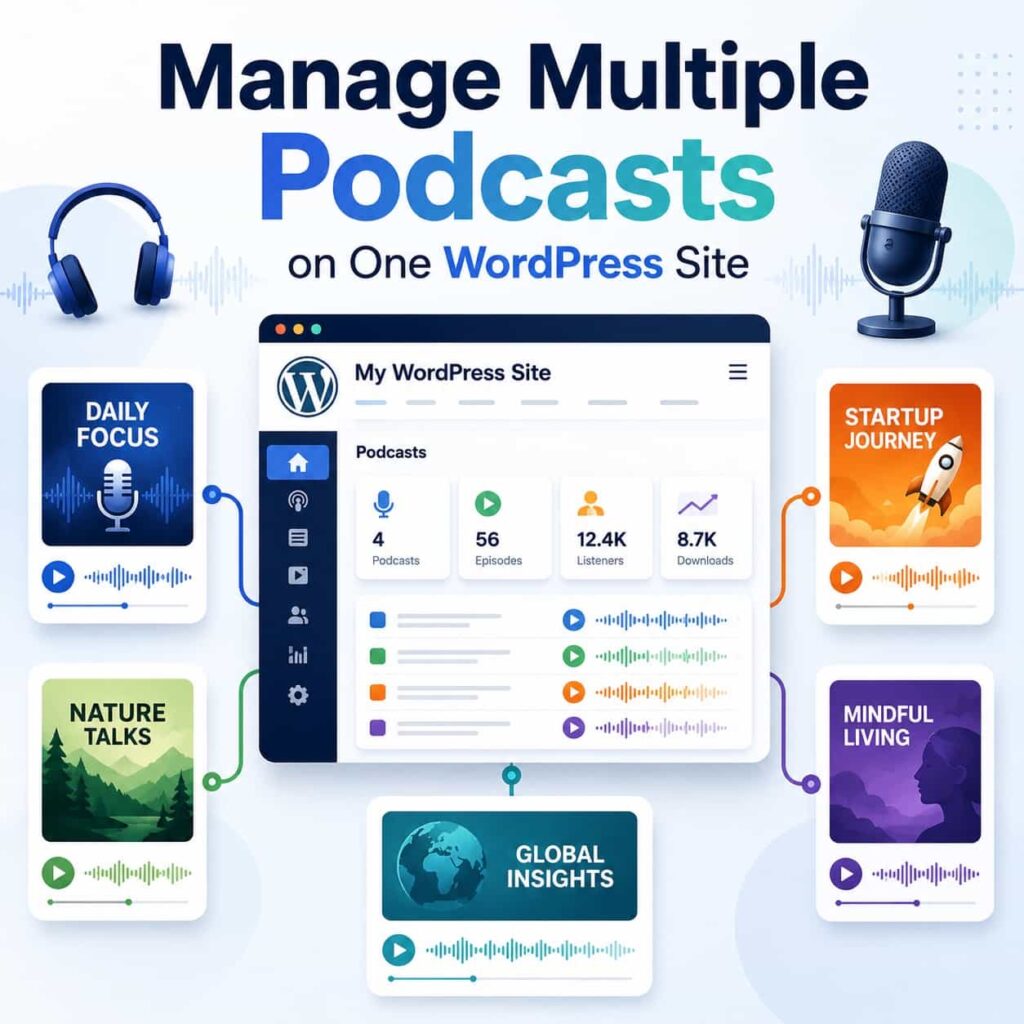
The good news is that you can manage multiple podcasts on one WordPress site without turning the whole thing into a tangled mess.
The basic idea is simple:
Host the podcasts with a real podcast host, organize the shows clearly in WordPress, and use show-specific embeds and subscribe links so each podcast has its own clean home on your site.
If your shows are hosted with Transistor.fm, TransistorWP can help with the WordPress part of that setup.
Let’s walk through it.
First, separate podcast hosting from the podcast website
Before we talk about WordPress structure, it is worth making one distinction.
Your podcast host and your podcast website do not have to be the same thing.
For multiple shows, I would usually avoid uploading audio files directly to WordPress. Your web host is built to serve web pages. Podcast hosts are built to store audio files, generate RSS feeds, distribute episodes to podcast apps, and handle the bandwidth that comes with people listening.
Transistor.fm is especially interesting for multi-show setups because it lets you host multiple podcasts from one account. Each podcast can have its own RSS feed, analytics, team members, podcast website, and distribution settings.
That means WordPress does not need to become your podcast hosting platform.
Instead, WordPress can be the main public website for your brand, network, company, ministry, school, publication, or creator business. Transistor.fm can handle the audio, feeds, podcast app distribution, analytics, and show-level settings. That keeps WordPress focused on pages, writing, links, and calls to action instead of asking it to behave like podcast infrastructure.
When one WordPress site makes sense for multiple podcasts
Putting multiple podcasts on one WordPress site can be a good fit when the shows belong under the same larger brand.
For example:
- A podcast network with several shows
- A business with different podcasts for different audiences
- A church or nonprofit with sermon audio, interviews, and teaching series
- A media company with shows in related categories
- A creator with a main public podcast and a separate limited-run series
- A school or university department with several faculty or student shows
The shared site gives you one place to publish supporting content, collect email subscribers, explain the broader brand, and link people between related shows.
But it only works if the structure is clear. If visitors cannot tell which show they are viewing, or if every episode gets dumped into one generic archive, the site starts to feel confusing.
That is why the setup matters.
Start with a simple site structure
For most multi-podcast WordPress sites, I would start with something like this:
/podcasts/
  Main podcast directory

/podcasts/show-name/
  Landing page for one podcast

/podcasts/show-name/episode-title/
  Optional episode notes or transcript post
You do not have to use those exact URLs. Your WordPress theme, SEO plugin, custom post type setup, or content preferences may change the details.
If you are building a more serious podcast network site, a custom post type can be a good approach here. For example, you might create a Podcast custom post type for each show and an Episode custom post type for individual episode pages. That gives you cleaner archives, templates, fields, and relationships than trying to force everything into regular pages and posts.
For a smaller site, regular WordPress pages and blog posts may be perfectly fine. I would not start with custom development just to feel organized. But if the site has several shows, multiple contributors, recurring episode pages, or show-specific templates, a custom post type setup is worth considering early.
The important part is the hierarchy:
- One main page where visitors can see all shows.
- One dedicated landing page for each show.
- Optional episode pages for individual episodes, show notes, transcripts, and related links.
That structure gives every show a home while still keeping everything under the same larger website.
If you only have two shows, this may feel a little formal. But it gives you room to grow. It is much easier to start with a clean structure than to untangle years of random episode posts later.
Create a main podcast directory page
Your main podcast page should answer one question quickly:
What shows are available here?
This page does not need to be complicated. A simple directory can work well:
- Show artwork
- Show title
- One or two sentence description
- Latest episode or playlist
- Button or link to the show’s landing page
- Subscribe/listen links if you want them visible right away
For a small network, I would probably keep it simple and human. No need to make it feel like a giant streaming app if you have three shows.
You could write a short introduction at the top, then create one section for each podcast.
For example:
## Our Shows

### The Weekly Field Notes Podcast

Practical conversations about running a small creative business.

[Listen to the latest episode]
[View show page]

### Build Better Websites

A short-form show for WordPress site owners and freelancers.

[Listen to the latest episode]
[View show page]
If the site is for a podcast network, this page becomes the front door for the whole network. If the site is for a business, it might be one page under the broader marketing site.
Give each show its own landing page
Each podcast should have its own page, even if you only publish episodes once in a while.
A good show landing page should include:
- The show’s name
- Cover art
- A short description
- The most recent episode or a playlist
- Subscribe/listen links
- A link to episode notes or transcripts, if you publish them
- Host information, if that matters for the show
- A contact or sponsorship link, if relevant
This is where TransistorWP is useful if your shows are hosted with Transistor.fm.
After you connect TransistorWP to your Transistor.fm account, its blocks can select which show to display. That matters for multi-show sites because you do not have to hardcode one global podcast everywhere.
On one show page, you can select Show A. On another page, you can select Show B. On a network directory page, you can include blocks for several different shows.
That is the practical difference between “we have a podcast player somewhere” and “we can actually manage multiple shows cleanly in WordPress.”
Use the right block for the job
TransistorWP includes a few blocks that are especially helpful for multi-show WordPress sites.
The Latest Episode Embed block is a good fit when you want a page to always show the newest episode from a selected show. This works well on a show landing page, a homepage section, or a podcast directory page.
The nice part is that you choose the show once. When that show has a new published episode in Transistor.fm, the latest episode player can keep showing the current episode without you replacing the embed manually.
The Multi Episode Embed block is better when you want a playlist player for one selected show. This is useful on a show landing page where visitors may want to browse recent episodes.
The Single Episode Embed block is the one to use for individual episode posts or show notes pages. You choose the show and then choose the specific episode. It can also display the episode description and transcript if those details are available in Transistor.fm.
The Podcast Links block can display listen and subscribe links for the selected show based on the distribution links you have set in Transistor.fm.
That last part is easy to undervalue. If you run more than one podcast, subscribe links get annoying to maintain by hand. Apple Podcasts, Spotify, Pocket Casts, RSS feed links, and other destinations may be different for every show. Keeping those attached to the right podcast matters.
A practical page setup for each show
If I were setting up a multi-podcast site in WordPress, I would probably create one landing page per show with this structure:
# Show Name

Short description of who the show is for and what it covers.

[Latest Episode Embed block for this show]

## About the show

A slightly longer description, including host names and publishing schedule.

## Listen and subscribe

[Podcast Links block for this show]

## Recent episodes

[Multi Episode Embed block for this show]

## Episode notes

Links to WordPress posts for show notes, transcripts, or related articles.
That setup is not fancy, but it is useful.
The latest episode gives returning listeners something current. The subscribe links help new listeners follow the show. The playlist gives people a way to browse. The episode notes give search visitors more detailed pages to land on.
You can make the design as polished as you want later. The structure is the important part.
Should you use Transistor’s network website or WordPress?
This is a fair question.
Transistor.fm has a Network Website Builder that can create a website for a podcast network. Their help docs explain that network websites let you feature multiple podcasts from your account, choose included shows, and customize the theme, colors, pages, links, and URL settings. See Transistor’s guide on how to use Network Websites.
For a lot of podcasters, that may be enough.
Use Transistor’s network website if you want:
- A fast network site without building in WordPress
- Automatic show pages
- A dedicated website just for the podcast network
- Less maintenance
- Fewer plugins and moving pieces
Use WordPress if you want:
- Your podcasts inside an existing company or creator website
- Full control over page layouts and content
- Blog posts, show notes, transcripts, resources, and SEO pages
- Email opt-ins, memberships, products, courses, or forms
- A site that is bigger than the podcast network itself
There is no need to turn this into a religious argument. Transistor’s network website builder is great when you want the podcast site handled for you. WordPress is great when the podcast needs to live inside a broader content and business system.
TransistorWP is for that second situation: you are using WordPress, your shows are hosted with Transistor.fm, and you want a simpler way to display the right podcast content in the WordPress editor.
Do not mix all episodes into one confusing archive
One common mistake with multi-show websites is treating every episode from every show as the same kind of post with no clear labeling.
That might be fine internally, but it can be confusing for visitors.
If you publish individual episode posts in WordPress, make sure each episode clearly identifies the show it belongs to.
You can do that with:
- A category for each show
- A custom taxonomy for podcast shows
- A custom post type for episodes
- A reusable intro or show label
- A consistent URL structure
- Internal links back to the main show page
You do not necessarily need custom development. A simple category structure can be enough for many sites.
For example:
- Category: Podcast
- Subcategory: Show Name
Or:
- Category: Show Name
- Tag: Podcast Episode
The exact setup matters less than the result. Visitors should know where they are, what show they are looking at, and where to find more from that show.
Think about SEO at the show level
When you manage multiple podcasts on one site, each show can target a slightly different audience.
That means each show page should have its own SEO basics:
- A clear page title
- A meta description
- A description that uses plain language about the show’s topic
- Internal links to related episodes and articles
- Subscribe links
- Transcript or show notes content where useful
If one show is about WordPress development and another is about farm business operations, those pages should not sound the same. Let each show have its own topic focus.
This is also why show notes and transcripts can help. Podcast audio alone gives search engines less to work with than a written page. A short summary, links mentioned, key takeaways, and transcript can make each episode page more useful for search visitors.
For transcript-specific setup, see How to Display Podcast Transcripts on Your WordPress Site.
Keep the workflow simple for your team
Multi-show sites get painful when every update requires a bunch of manual steps.
Try to create a repeatable workflow:
- Publish the episode in Transistor.fm.
- Add or confirm the episode description, transcript, and distribution details.
- Create a WordPress episode post if you publish show notes.
- Use the Single Episode Embed block to select the right show and episode.
- Add links, notes, transcript, and related internal links.
- Publish or schedule the WordPress post.
For show landing pages, use blocks that do not need constant maintenance:
- Latest Episode Embed for the newest episode
- Multi Episode Embed for a playlist
- Podcast Links for subscribe/listen buttons
That way, your evergreen show pages do not need to be rebuilt every week.
A note about multiple hosts, teams, and permissions
If several people are working on different shows, think through permissions early.
Transistor.fm notes on its multiple-podcast hosting page that each podcast can have its own users who can add episodes, upload audio, and view stats for that show. That is helpful if different teams manage different podcasts.
WordPress has its own user roles too, but those roles usually apply to the site as a whole unless you add more advanced editorial permissions.
So if you have different teams managing different shows, decide where each responsibility lives:
- Transistor.fm for uploading audio, managing show details, distribution, and analytics
- WordPress for writing episode notes, publishing landing pages, and managing the public website
For small teams, this can be informal. For larger networks, write it down. A little process saves a lot of cleanup later.
Final thoughts
Managing multiple podcasts on one WordPress site is mostly an organization problem.
The technology matters, but the structure matters more.
Give each show its own page. Keep subscribe links tied to the right podcast. Use a latest episode block when you want something to update automatically. Use a playlist when visitors should browse a show. Use individual episode pages when you have show notes, transcripts, links, and search-friendly content worth publishing.
If your shows are hosted with Transistor.fm, Transistor already does the heavy lifting for hosting, RSS feeds, distribution, and analytics. TransistorWP helps bring those shows into WordPress in a way that fits the block editor.
That combination works nicely: Transistor.fm handles the podcast infrastructure, and WordPress handles the website you actually want people to visit.